From florists, for florists.

How to sell on WhatsApp as a florist: 7 copy-and-paste templates
Customers message rather than call. Here’s the WhatsApp flow from first hello to an order confirmed with a deposit, plus 7 templates you can copy today.
WhatsApp is your shop counter. Treat it like one.
Customers don’t ring. They don’t email. They message you on WhatsApp, the way they’d message a friend, and they expect a quick reply. Messages get read almost every time, far more often than emails. The question isn’t whether you take orders on WhatsApp, but how you take them without drowning.
Start with WhatsApp Business. It takes five minutes to set up: add your opening hours, your address, a link to your catalogue and saved quick replies (type “/budget” and the ready-made message appears). That saves you precious minutes on Valentine’s Day and Mother’s Day, when you’re at your busiest.
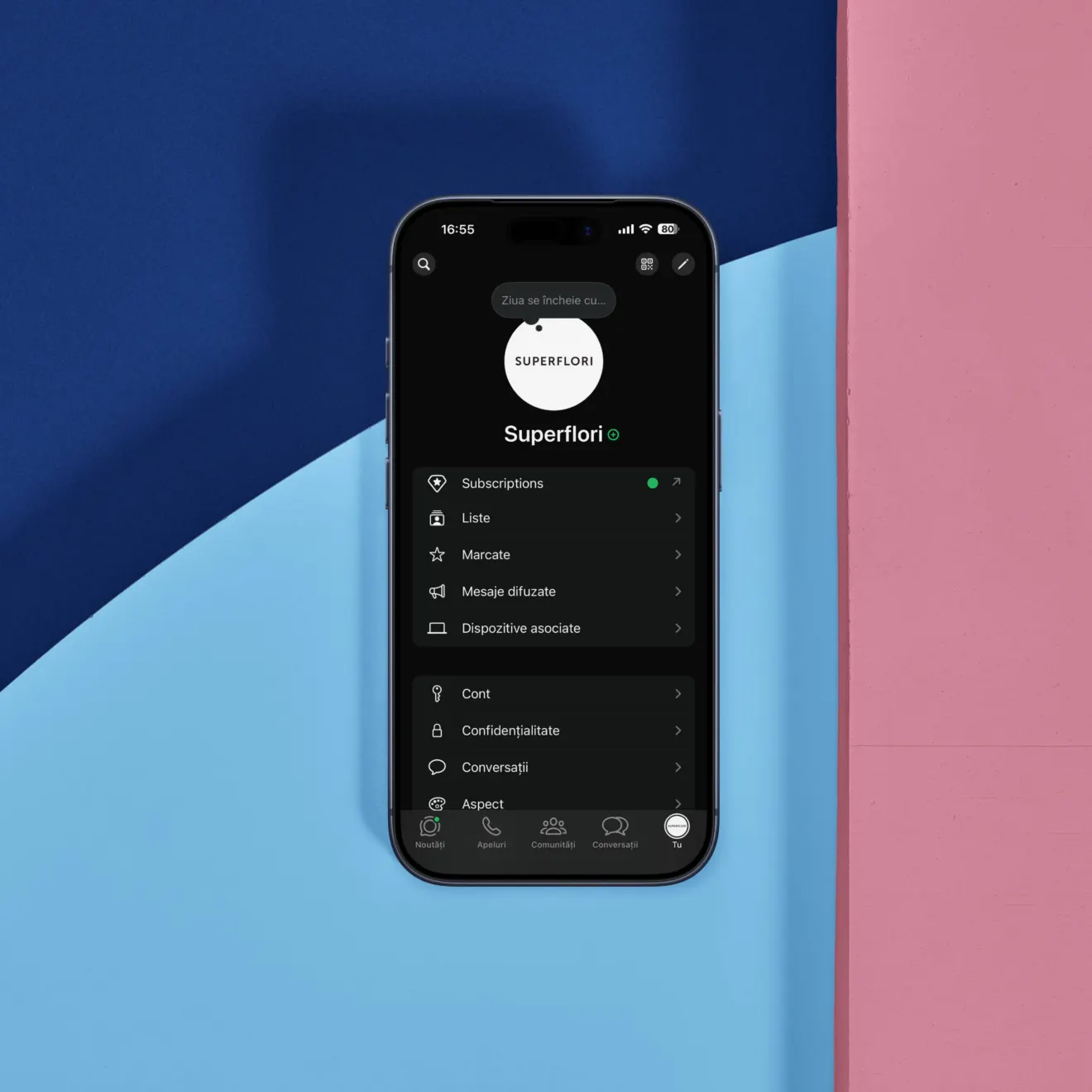
From hello to deposit
A good order is confirmed in four steps: greeting, qualifying, offer, confirmation with a deposit. There are four qualifying questions: occasion, budget, date and time, and delivery address. Without them, you’re working blind.
Template 1 (greeting): “Hi! Thanks for getting in touch. What’s the occasion, and what date do you need the flowers for?”
Template 2 (budget): “So I can put together something that suits, what price range did you have in mind? We have lovely bouquets from €30.”
Template 3 (quick catalogue): “I’m sending you 3 options now, all within your budget.” Then the catalogue, with a photo and price for each, does the rest.
Template 4 (confirmation): “Perfect! Delivery on 6 May at 2pm, to 12 Garden Street. I’ll send you the payment details.”
Template 5 (how you take payment): “I’m sending you a payment link / our bank details now. Revolut works too, whichever is easier for you.”
Template 6 (delivery update): “The courier is on the way with your bouquet and should be there in about 30 minutes. I’ll send you a photo.”
When the customer wants “something nice for up to €30”
This is where plenty of florists lose time. Don’t send ten photos. Ask one question that cuts through it: “Lovely! Is it for someone special, or a thank-you present? And what colours do they like?” Once you have the answer, send two options, not ten. One classic, one a little bolder. The choice becomes easy, and you close the order in three messages.
When Valentine’s Day buries you in messages
The days before Valentine’s Day and Mother’s Day bring a flood of messages. The answer isn’t replying faster, it’s replying with more structure. Template 7 (away message): “We’re taking a lot of orders today and will reply within 30 minutes at most. To speed things up, just send us the occasion, date, address and budget.” Use the labels in WhatsApp Business too: “to quote”, “awaiting deposit”, “to deliver”. You’ll see at a glance where each customer stands.
WhatsApp messages aren’t a nuisance. They’re orders waiting for a process. Get the process right once, and WhatsApp becomes your cheapest salesperson.


