From florists, for florists.

Your Flower Shop on Google Maps: Why the Pin Beats Your Website
Step by step: how to put your flower shop on Google Maps, set up your Google Business Profile and get through verification. From florists, for florists.
Why your pin on the map beats your website
Think about how you look for something in a town you don’t know. You type “flowers near me” or “florist open now” and check the top three results with the map. Your customers search in exactly the same way.
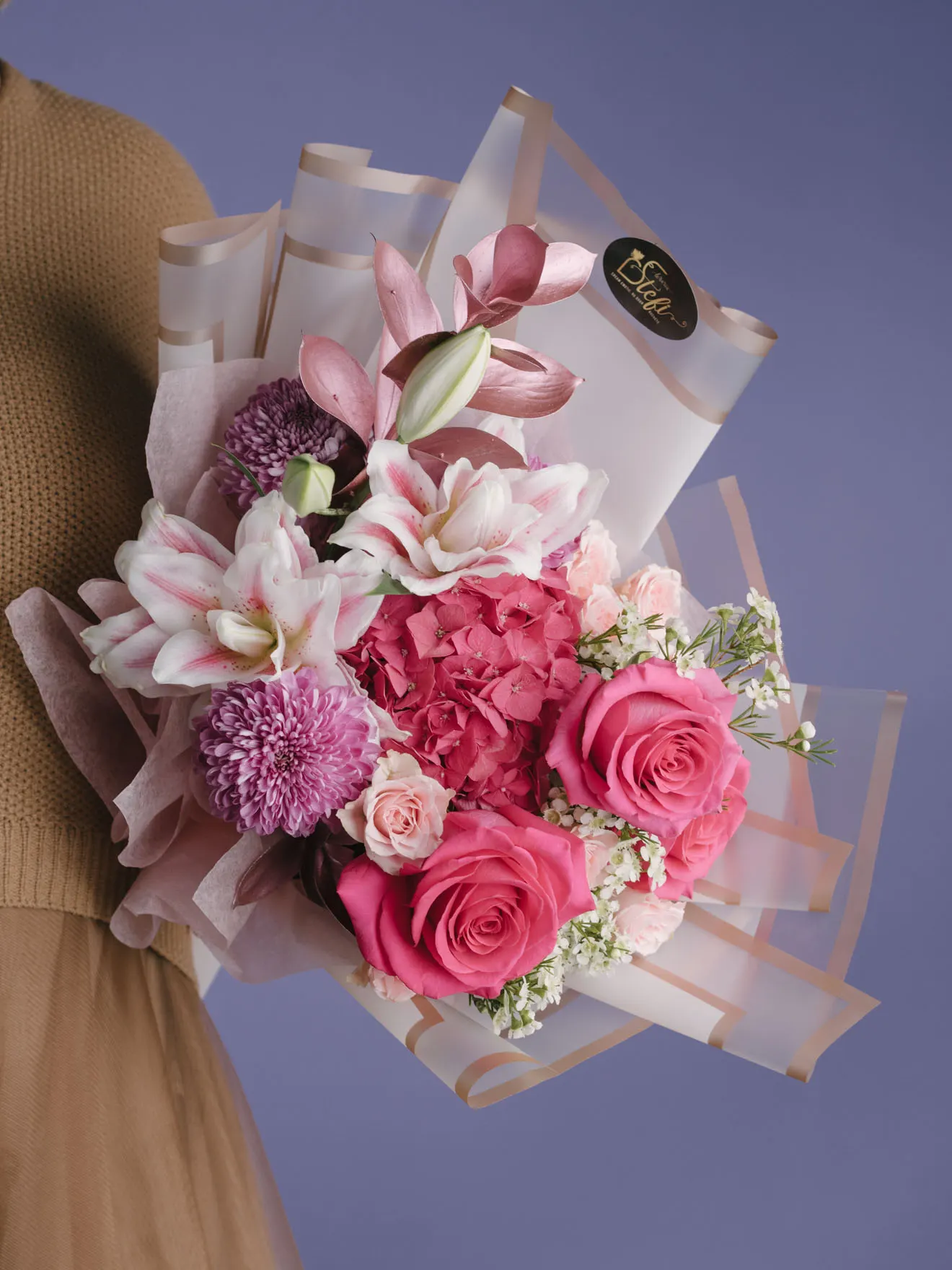
Here’s the key: someone looking for flowers in your town doesn’t want to read about you. They want your address, your opening hours, a phone number and a button that opens Maps. Your pin gives them all of that in three seconds. Your website comes second.
The good news? Your Google Maps listing is a completely separate channel from your website. You can have one even if you don’t have a website yet. And it’s free.
How to set up your Google Business Profile, step by step
Go to google.com/business and sign in with a Google account. Use an account that belongs to the flower shop, not your personal one: you’ll want someone else on the team to be able to get in later.
Then it’s simple:
1. Add your flower shop’s exact name, as it appears on the shop sign, not “Anna’s Florist Cheap Flowers Delivery”. Google penalises names stuffed with keywords.
2. Choose the “Florist” category. This matters, because the category tells Google when to show you.
3. Add your physical address and put the pin right on the shop door, not somewhere nearby. If you deliver but don’t see customers at your address, you can hide the address and set just your delivery area.
4. Add your phone number and, if you have one, your website.
Verification: the step that unlocks everything
This is where a lot of people give up. Once you’ve filled in your details, Google wants to confirm that you really are there. It may send a code by post to the shop’s address, which takes a few days, or by phone or email. Sometimes it asks for a short video of the shop instead. The options depend on the profile.
Remember: until you’re verified, your profile won’t show in full on Maps. So finish the step straight away: enter the code the day it arrives, or record the video the same day. Don’t leave it for two weeks.
An unverified profile is like a flower shop with the shutters down: it’s there, but nobody sees it.
Once you’re verified, bring your profile to life
Add real photos of your own arrangements, not pictures from the internet. Set your opening hours correctly, including Valentine’s Day, Mother’s Day and the Christmas holidays. Reply to reviews, even the short ones.
For example: if you have a flower shop in a seaside town and a tourist on the promenade searches “flowers near me”, a well set-up profile brings them to your door before they’ve had a chance to look for another shop.
At Superflori X we help flower shops link their Google profile to a website that backs them up in search. But you can get your pin on the map yourself, today.


